Questions
Is Dave™ Rooms free?
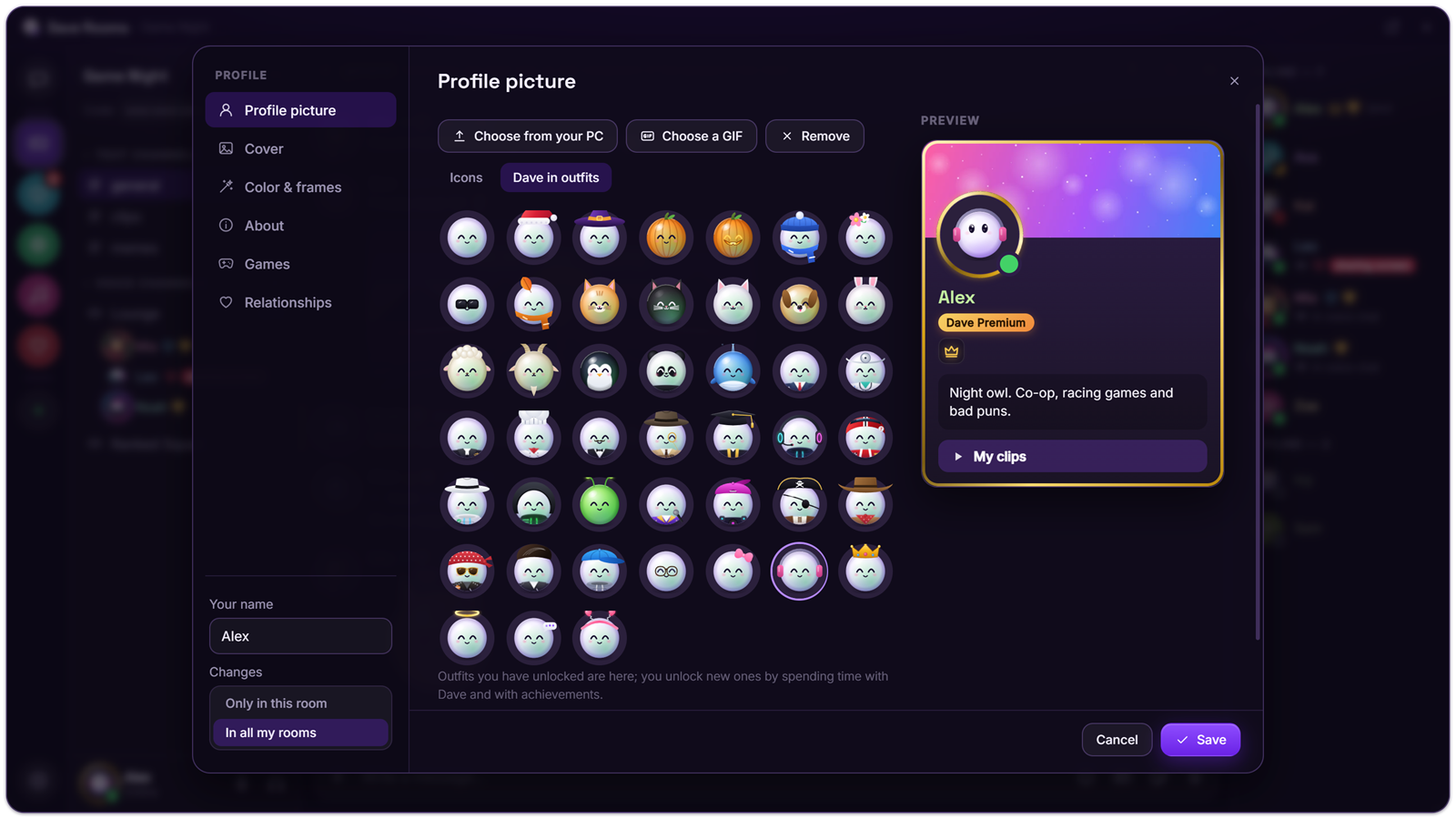
Yes. Every feature is free: rooms, voice chat, screen sharing, watching together, polls, voice effects and file sharing. Dave™ Premium only adds looks, such as animated profile pictures and covers, frames, profile colors, name styles, profile effects and an entrance sound. In the house view, Premium also lets you choose your Dave™’s costume and color.
Can I earn Dave™ Premium for free?
Yes: send the invite link from Rooms settings → Premium to a friend. When your friend creates a Dave™ account and enters your code within 14 days, you both get 1 month of Premium; you can earn up to 3 months. Dave™ and Dave™ Rooms use the same account, so your invites count the same in both.
Do I need an account?
No. You can chat, talk and share without one. A Dave™ account is only needed for Premium.
Is there a place for my own notes?
Yes: a personal room. Press + on the left → Create personal room. A personal room is yours alone; nobody can be invited or join. Add note, drawing, to-do and message-to-self pages to it. When you create it, you choose whether it stays only on this computer (it never goes to any server) or goes into your Dave™ account's cloud backup; you can change this later in the personal room's settings.
Can we keep shared notes with the room?
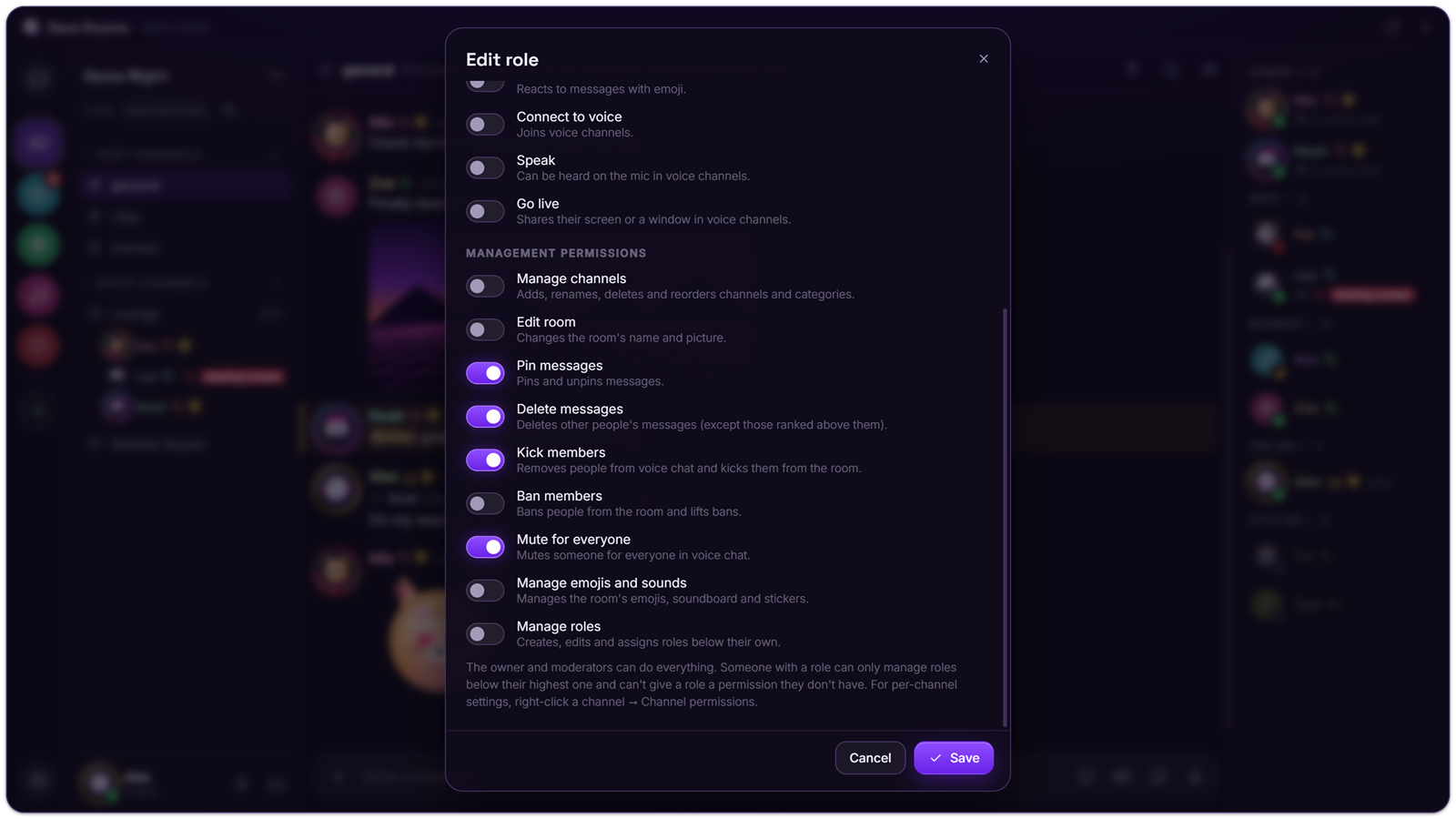
Yes: press the + next to a category in the channel list (or right-click an empty spot) → Add notes page, Add to-do page or Add drawing page. The page updates for everyone in the room at once. Choose who can see and edit it by right-clicking the page → Channel permissions; only people with the Delete messages permission can delete someone else's note, item or line.
Where are my messages stored?
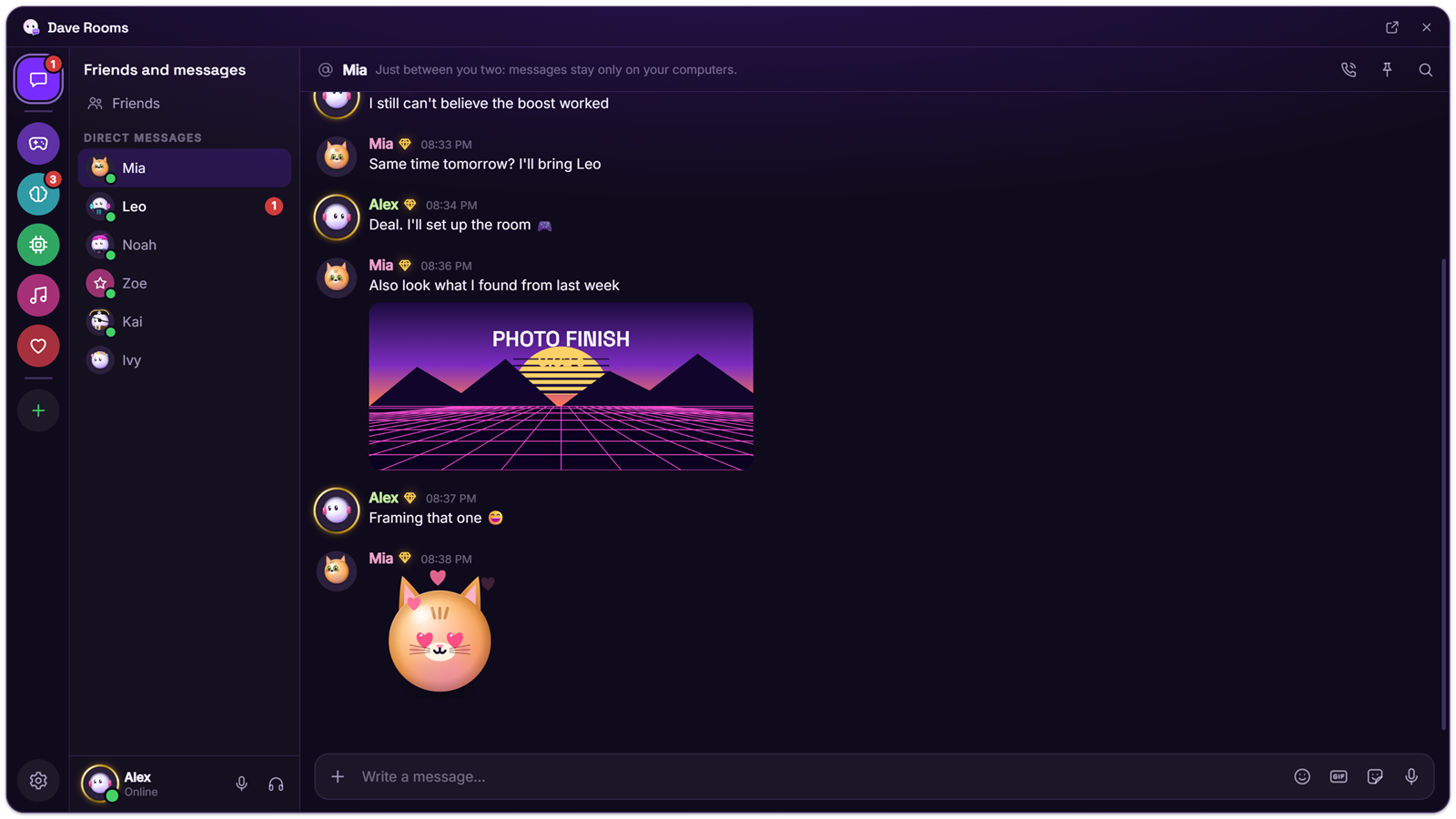
On the computers of the people in the room. When someone is offline, the messages meant for them wait on Dave™’s relay until they come back, end-to-end encrypted so the relay can’t read them. They’re deleted from the relay as soon as everyone they were meant for has received them, or after 7 days at the latest. Files always go from computer to computer.
Can I message a friend who is offline?
Yes. Your message waits for them end-to-end encrypted and arrives the next time they open Dave™ or Dave™ Rooms, even if you’re offline by then; once delivered it’s deleted from the relay, or after 7 days at the latest. Attached files, and messages in private channels, arrive once you’re both online.
What is the difference between Dave™ Rooms and Dave™?
Dave™ is the full assistant with the dock and all its features, and Rooms is one of them. Dave™ Rooms is a separate app with only the rooms. Both use the same account and the same rooms.
Do my friends need Dave™ Rooms too?
They need either Dave™ Rooms or Dave™. Send them your room’s invite link; it opens the room in whichever one they have.
Can I have both installed?
Yes. They share the same account and rooms, and only one of them runs at a time.
Is there a phone app?
Not yet. Dave™ Rooms runs on Windows 10 and 11.
Windows showed a warning when I installed it. Is that normal?
Yes. The installer isn’t code-signed yet, so Windows and some antivirus programs may warn you the first time: choose More info, then Run anyway.