
Add friends with a friend code and chat one to one
In Dave Rooms you don’t need a shared room to become friends. Every user has a friend code: send yours to a friend or paste theirs, and once the request is accepted you can message and call each other.
Open Friends in Rooms, copy your friend code (it starts with F-) and send it to your friend. To add someone, press Add friend, paste their code and send the request; when they press Accept, you’re friends.
Add a friend
- Open Rooms (the Dave Rooms app, or Rooms in Dave™’s dock) and go to Friends. If you haven’t joined a room yet, Rooms opens there by itself.
- Copy Your friend code and send it to your friend, or ask for theirs.
- Press Add friend, paste the code (F-XXXX-XXXX-XXXX) and send the request.
- Your friend sees it under Pending and presses Accept. You both appear in each other’s friends list, ready to message and call.
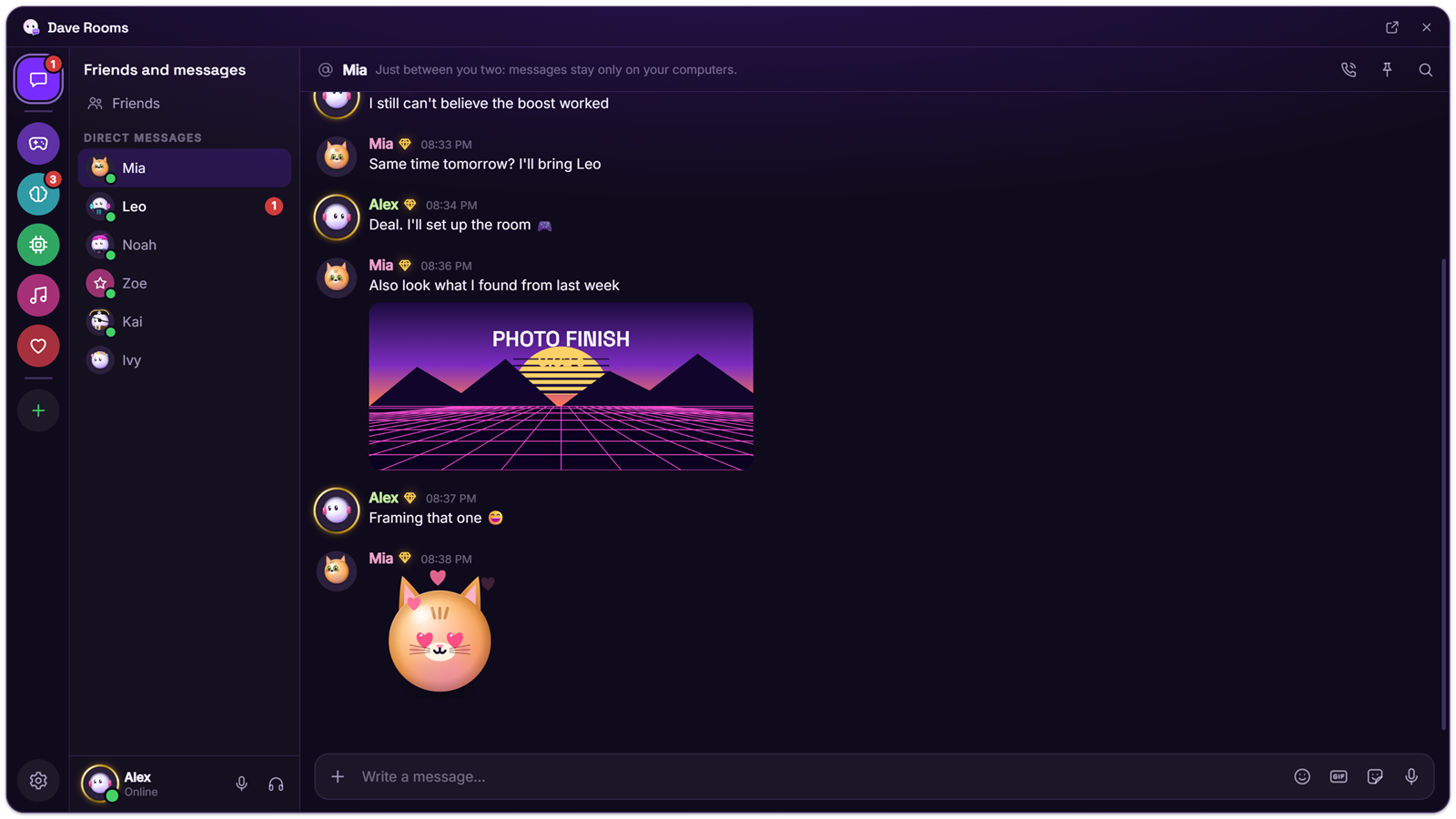
What you can do with friends
- Direct messages with the same tools as rooms: replies, reactions, GIFs, stickers, voice messages and files up to 200 MB.
- Calls with voice, camera or screen sharing.
- See who is online, in voice, playing or listening, and listen along on Spotify from a friend’s profile.
- Messages you send while your friend is offline reach them later.
If your friend is offline
A friend request waits under Pending (“Arrives when your friend is online”) and is delivered the next time you’re both online; a request that can’t be delivered is dropped after 14 days. Messages in a DM work differently: they wait on Dave’s relay for up to 7 days, end-to-end encrypted so the relay can’t read them, and your friend gets them the next time they open Rooms, even if you’re offline by then. Files arrive once you’re both online.
Private by design
Only you can see your friends list. Friend requests go straight to the other person’s computer and are never stored on the relay. If you don’t want requests by code, turn off Receive requests by friend code in Rooms settings → Privacy and status; you can still add people you meet in a room.
Questions
Is it free?
Yes. Friend codes, DMs and calls are free.
What happens if I turn off requests by code?
Nobody can send you a request with your code until you turn it back on. Your code stays the same.
Can I add someone I met in a room?
Yes. Right-click their name in the room and choose Add friend.
Can my friend see my IP address?
With a direct connection, yes. Turn on Hide my IP address in Rooms settings → Privacy and status and your connections go through a relay instead.
For Windows 10 and 11. Free, with every feature included; it updates itself.